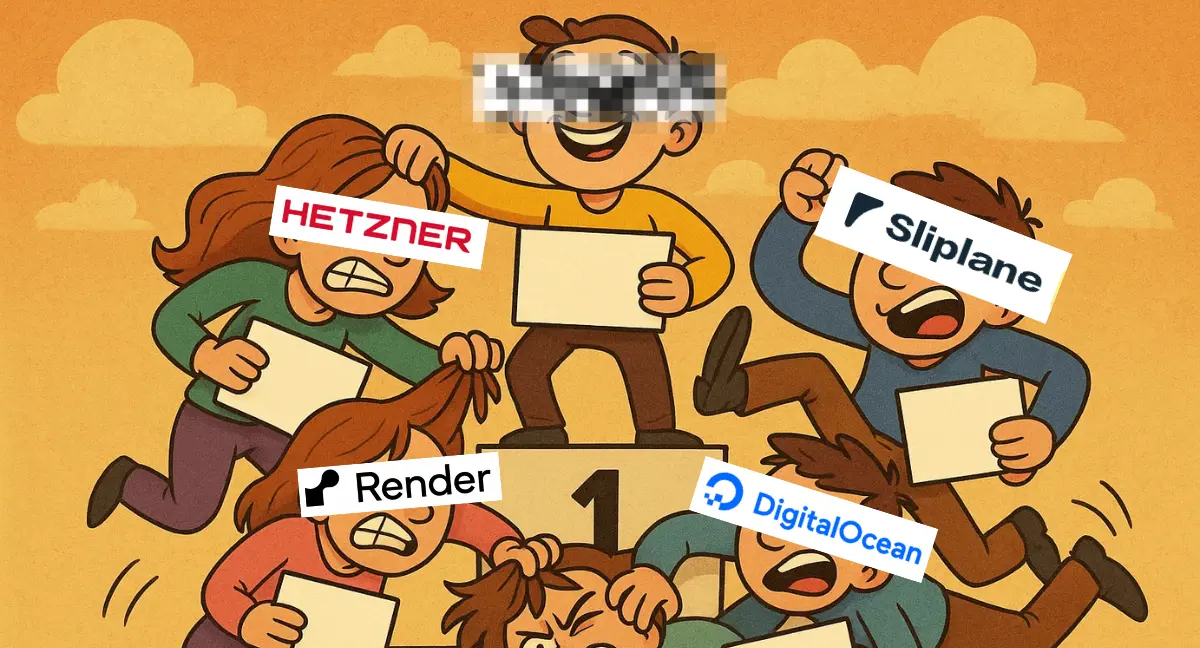
5 Easy Ways to Deploy Docker Containers in 2026
 Lukas Mauser
Running Docker locally is easy. Deploying containers to the internet is where things can get annoying: HTTPS, domains, logs, persistent volumes, backups, deploy pipelines, health checks, and the delightful question of "who updates this server at 11 PM?"
The good news: in 2026, you have several solid ways to deploy Docker containers without jumping straight to Kubernetes.
This post is about easy deployment options. If your main goal is the absolute lowest monthly bill, read our separate guide to cheap ways to deploy Docker containers in 2026.
Prices and features below were checked on June 10, 2026.
At a glance - ordered by simplicity
| Rank | Platform | Best for | Current entry price | Main tradeoff |
|---|---|---|---|---|
| 1 | Sliplane | Docker-first app hosting | €9/month per server | Vertical scaling first |
| 2 | Render | Polished managed PaaS | $7/month Starter web service | Gets pricey as you scale |
| 3 | DigitalOcean App Platform | Managed containers inside a broader cloud | $5/month 512 MiB container | More platform concepts |
| 4 | Coolify | Bring-your-own-server PaaS | Free self-hosted or $5/month cloud control plane | You still manage servers |
| 5 | Hetzner | Full control on a VPS | Low-cost cloud servers | You do the ops work |
1. Sliplane
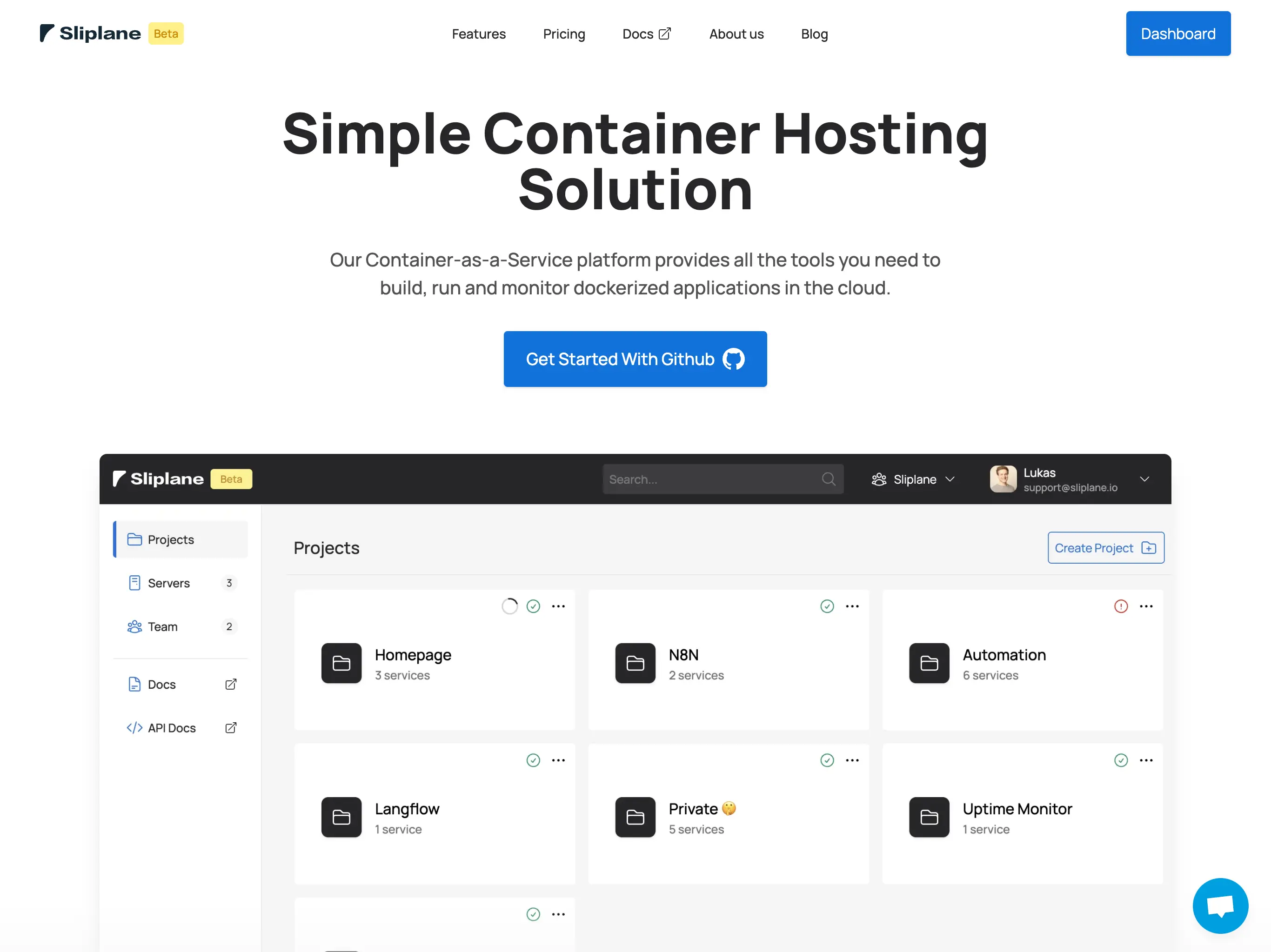
Sliplane is the easiest option if you already think in Docker containers.
You can deploy from a GitHub repository, Docker Hub, GitHub Container Registry, or another registry. Sliplane then handles the deployment pipeline, HTTPS, logs, metrics, managed domains, persistent volumes, daily volume backups, and restarts.
The important pricing difference: you pay per server, not per app. The current Starter server is €9/month with 1 vCPU, 1 GB RAM, and 20 GB disk. You can run multiple services on the same server as long as it has enough resources.
That makes Sliplane a strong fit for:
- Side projects
- Small SaaS apps
- Internal tools
- Self-hosted apps
- Teams that want Docker without Kubernetes
The tradeoff is that Sliplane is simple by design. If you need complex horizontal autoscaling, global edge routing, or enterprise platform controls, you may outgrow it. For most container apps, that simplicity is the whole point.
2. Render
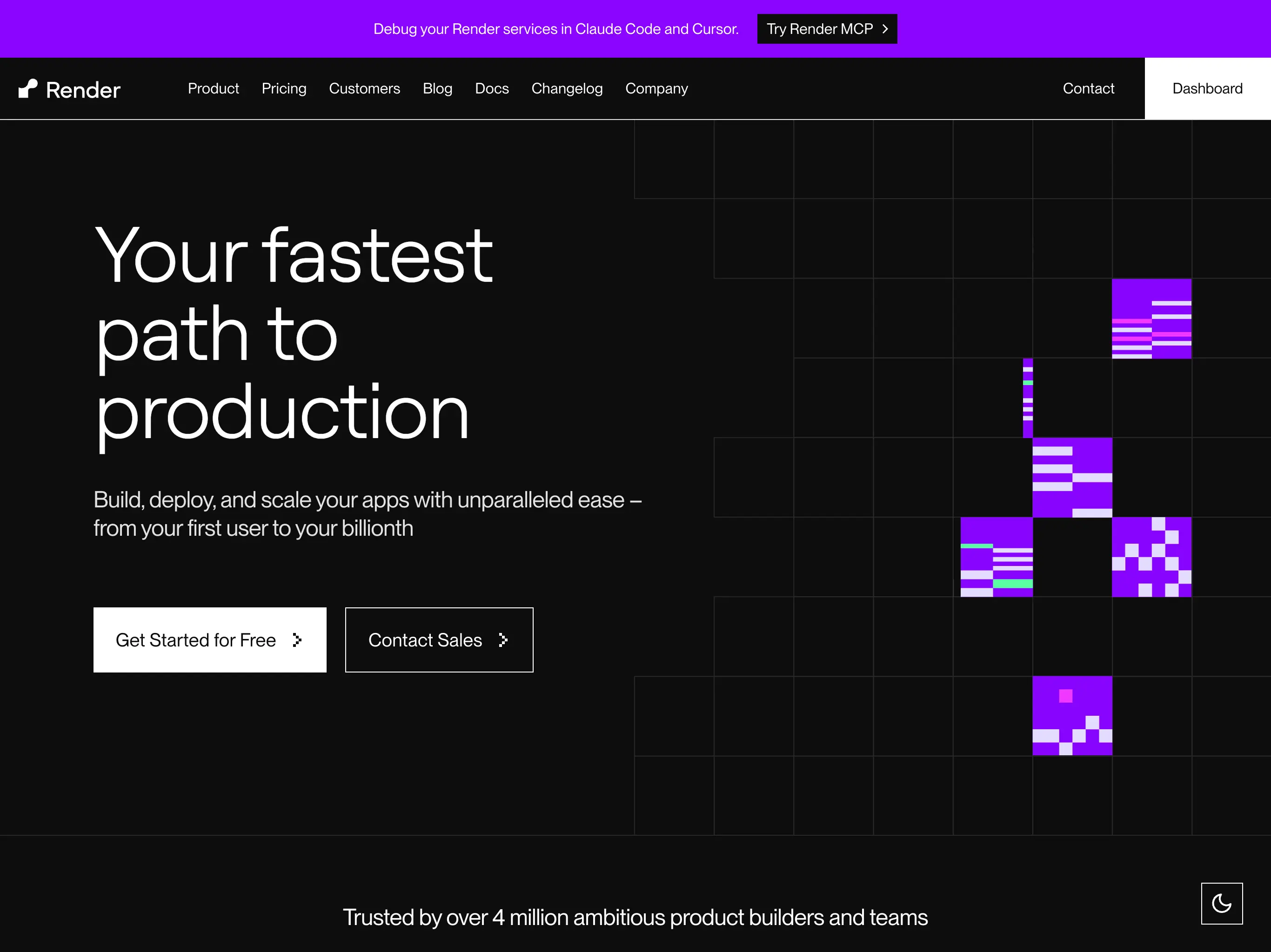
Render is a polished managed platform with a great developer experience. It supports custom Docker containers, Git deploys, cron jobs, private services, managed Postgres, Redis-compatible key-value stores, automatic TLS, deploy previews, and more.
As of June 2026, Render's paid web services start at $7/month for the Starter instance with 512 MB RAM and 0.5 CPU. Standard is $25/month for 2 GB RAM and 1 CPU. Disks are billed separately at $0.25/GB/month, and bandwidth depends on your workspace plan.
Render is a good choice if:
- You want a very polished PaaS
- You need more platform features than a lightweight container host
- You are okay paying more as the app grows
- Your team wants a familiar Git-based deploy workflow
The downside is cost. Render is easy, but the bill can climb once you add larger instances, disks, databases, bandwidth, and team features.
3. DigitalOcean App Platform
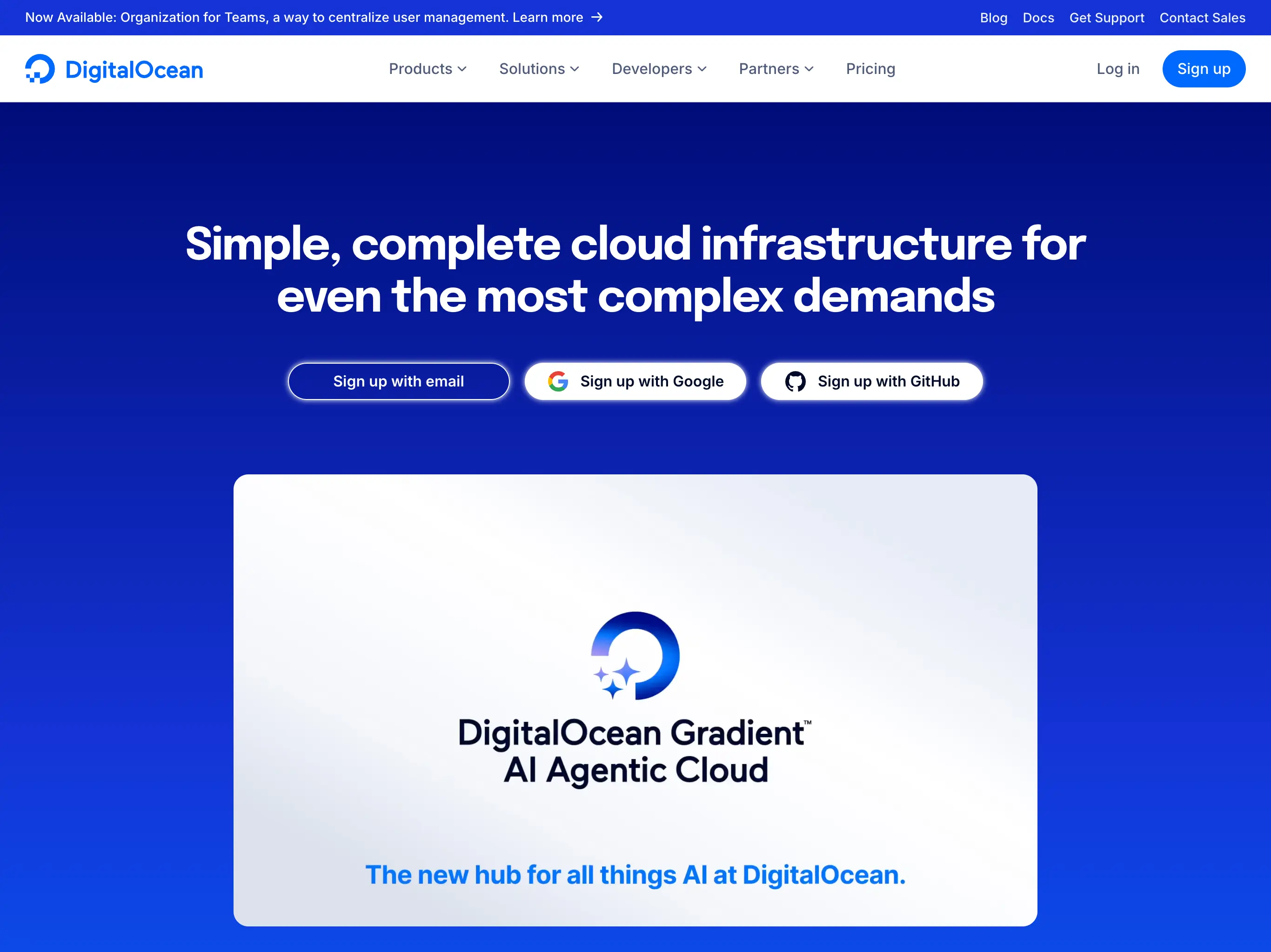
DigitalOcean App Platform is DigitalOcean's managed app hosting product. It can deploy containerized apps, connect to managed databases, run jobs, and sit next to the rest of your DigitalOcean infrastructure.
The current App Platform pricing starts at $5/month for a 1 vCPU, 512 MiB container instance. The next shared CPU tiers are $10/month for 1 GiB and $25/month for 2 GiB.
DigitalOcean is a good middle ground if:
- You already use DigitalOcean
- You want managed containers plus access to Droplets, databases, spaces, and networking
- You prefer a larger cloud provider over a specialized PaaS
Compared with Sliplane, you get a broader cloud ecosystem. Compared with Render, you usually get a cheaper starting point. The tradeoff is that you will spend more time understanding DigitalOcean's platform model.
4. Coolify
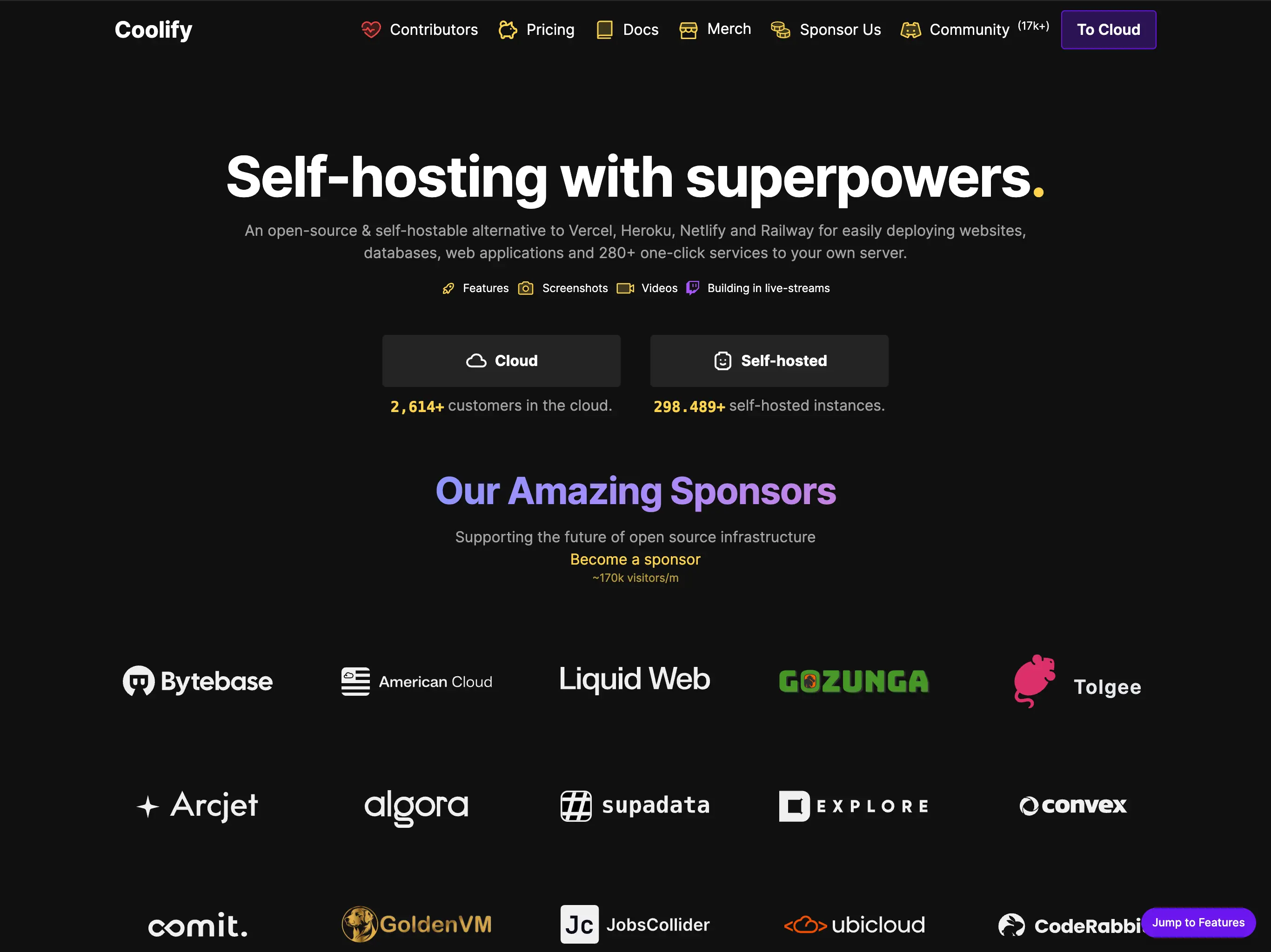
Coolify is an open-source PaaS that you connect to your own servers. You bring a VPS from Hetzner, DigitalOcean, AWS, or another provider, and Coolify gives you a dashboard for apps, databases, services, deployments, backups, and environment variables.
The self-hosted version is free forever with full feature access. Coolify Cloud starts at $5/month for the managed control plane and lets you connect two servers, with additional servers billed separately.
Coolify is a great option if:
- You want open-source infrastructure tooling
- You are comfortable owning the servers
- You want a Heroku-like workflow on cheap VPS machines
- You do not mind handling OS updates, firewall rules, and server incidents
It is easier than raw VPS hosting, but it is not fully managed app hosting. Your apps still run on your servers, so the ops responsibility stays with you.
5. Hetzner
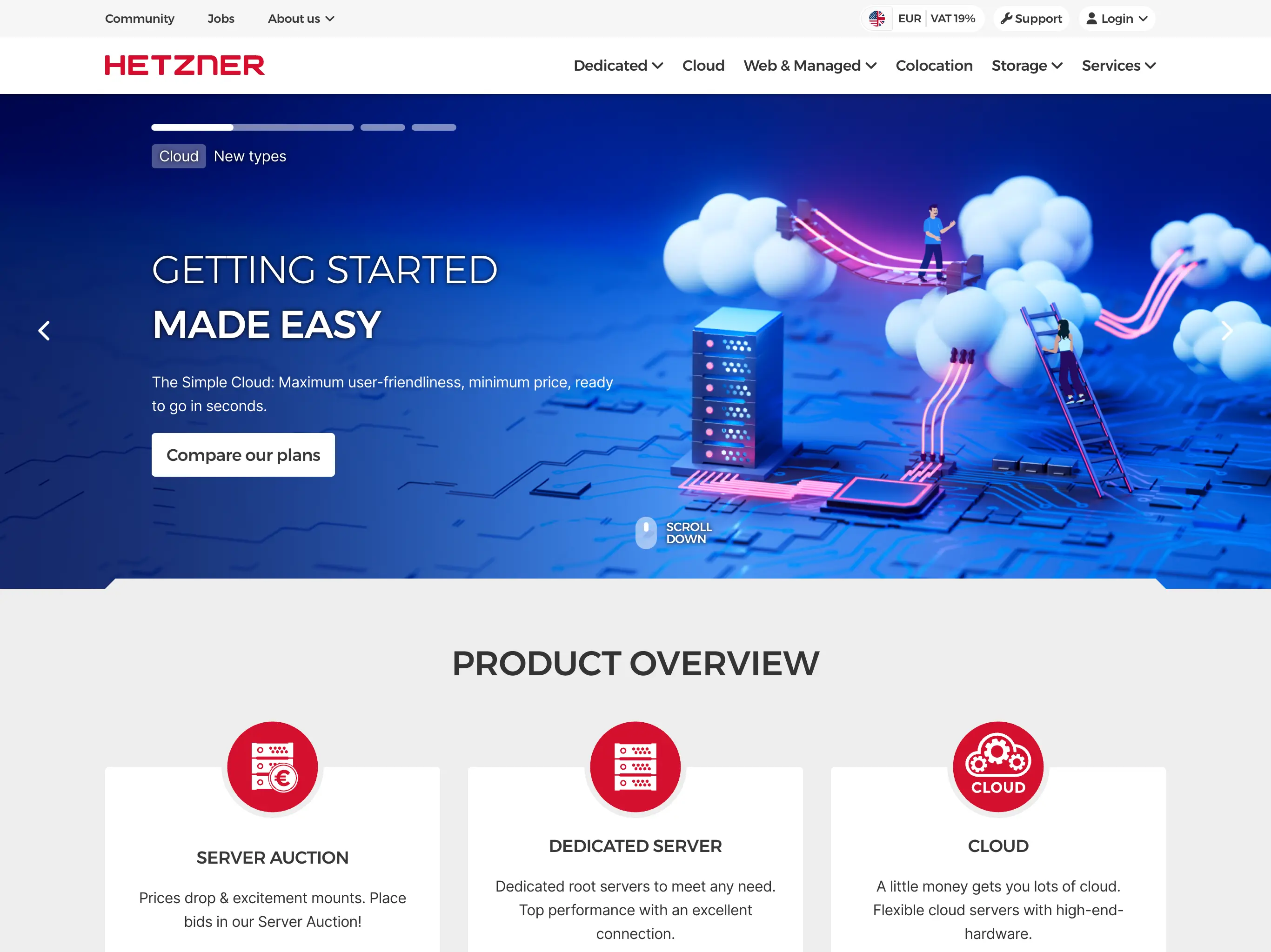
Hetzner Cloud is one of the best value VPS providers, especially in Europe. It gives you raw Linux servers, private networks, firewalls, snapshots, volumes, load balancers, and one-click apps including Docker CE.
For Docker deployments, the basic path is simple in theory:
- Create a VPS
- Install Docker
- Set up a reverse proxy
- Configure HTTPS
- Add logs, backups, monitoring, updates, and deploy scripts
That gives you maximum flexibility and usually the best raw price-to-performance ratio. It also means you are responsible for production ops.
Hetzner is excellent if you know Linux and want control. It is not the easiest option if your goal is "deploy this container and move on."
You can use our affiliate link to get a 20€ discount.
Summary
If you want the easiest Docker deployment path in 2026, start with Sliplane. It is Docker-first, affordable, and removes the boring infrastructure work.
Render is the most polished general PaaS in this list, DigitalOcean App Platform is a good middle ground inside a broader cloud, Coolify is great if you want open source plus your own servers, and Hetzner is still the best choice when you want full control and do not mind doing the ops work.
Disclaimer: These options were handpicked by a human. I get a kickback from Hetzner if you sign up through the link, and as a Sliplane co-founder, I am biased toward Sliplane.