5 Cheap Ways to Deploy Docker Containers in 2026
 Jonas Scholz
Hetzner, Sliplane, DigitalOcean, GitHub Actions, and Coolify: choosing a cheap Docker hosting setup in 2026 is still weirdly hard.
The cheapest option is not always the best value. A €4 server can become expensive if you spend a weekend wiring up HTTPS, backups, deploy scripts, monitoring, firewall rules, and recovery docs.
This post keeps its original
in-2025filename so existing links do not break. The title, pricing, and recommendations were updated for 2026.
This list is about cheap deployment options. If you care more about the easiest path, read the companion post: 5 easy ways to deploy Docker containers in 2026.
Prices and features below were checked on June 10, 2026.

1. Hetzner Cloud
Hetzner Cloud is still the value king if you are comfortable managing Linux servers. You get low-cost virtual machines, private networks, firewalls, snapshots, volumes, load balancers, and one-click apps like Docker CE.
For cheap Docker hosting, a small Hetzner VPS plus Docker Compose is hard to beat. You control everything and only pay for raw infrastructure.
The catch is obvious: you also manage everything.
You are responsible for:
- OS updates
- Docker updates
- Firewall rules
- Reverse proxy setup
- TLS certificates
- Backups
- Monitoring
- Incident response
If you enjoy that, Hetzner is excellent. If you want to ship an app and move on, the cheap server can cost you time.
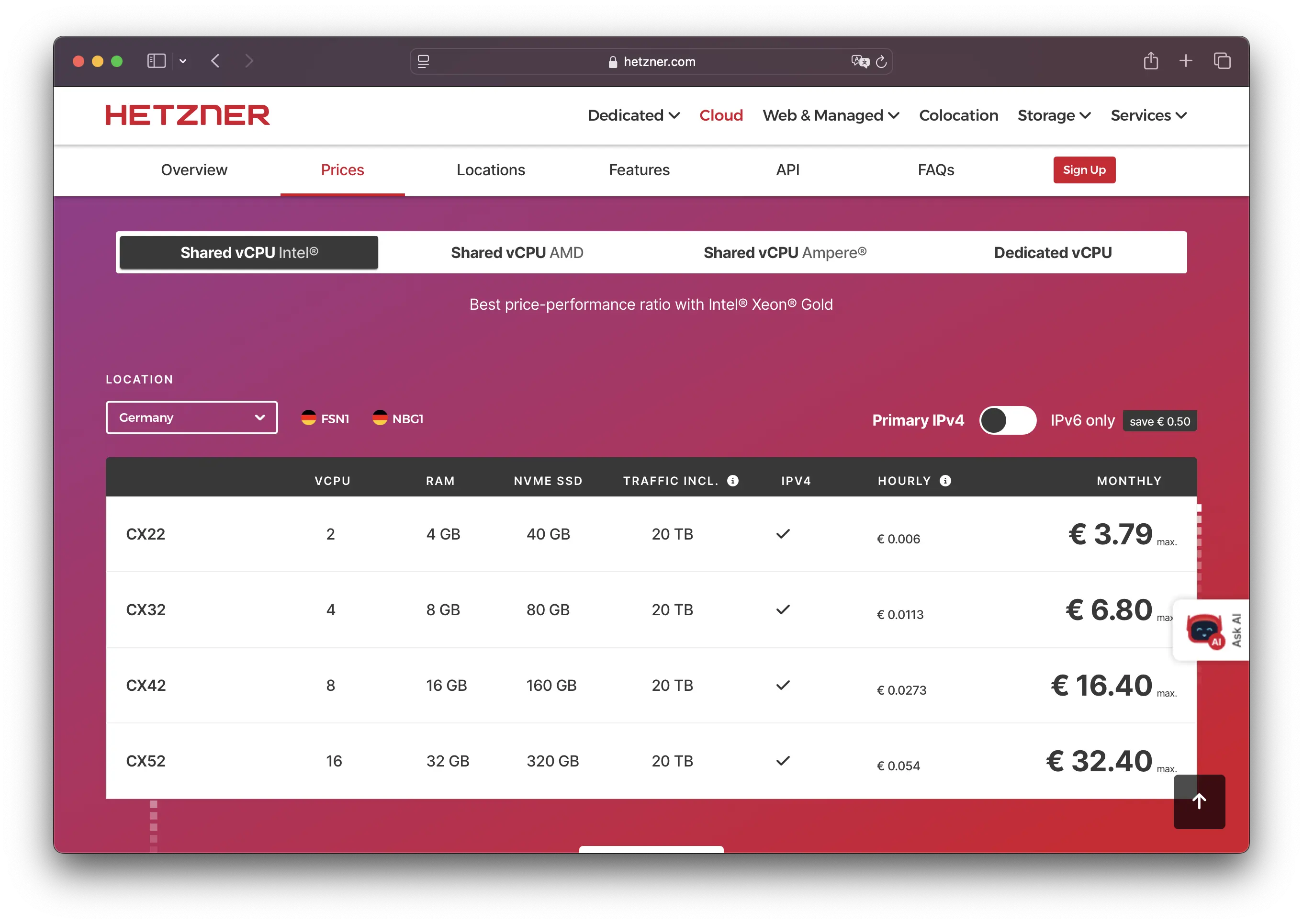
You can use our affiliate link to get a 20€ discount.
2. Sliplane
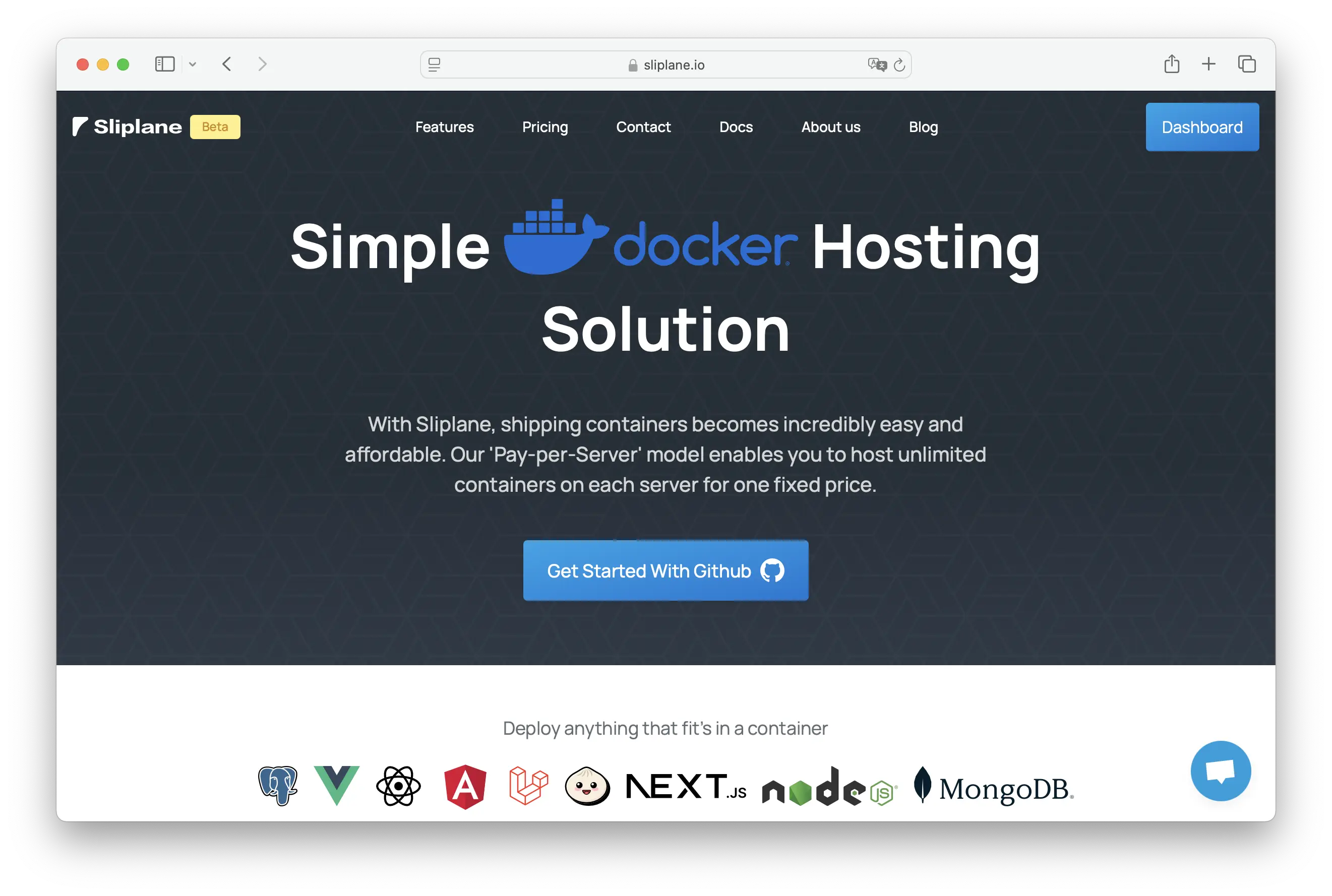
Imagine if a cheap VPS and Heroku had a practical child. That is Sliplane.
It is not the absolute cheapest raw compute option. But it is one of the cheapest managed ways to deploy Docker containers without paying per app.
The current Starter server is €9/month with 1 vCPU, 1 GB RAM, and 20 GB disk. You can run multiple Docker services on the same server as long as the resources fit. Sliplane includes HTTPS, logs, metrics, persistent volumes, daily volume backups, managed domains, Git deploys, registry deploys, and restarts.
Sliplane is the best cheap option when your time matters. You pay a bit more than a tiny VPS, but you avoid a lot of ops work.
Disclaimer: I co-founded Sliplane.
3. DigitalOcean Droplets
DigitalOcean Droplets are simple Linux VMs with predictable pricing and a friendly developer experience.
The cheapest basic Droplet is currently $4/month for 512 MiB RAM, 1 vCPU, 10 GB SSD, and 500 GiB transfer. The more realistic next tier is $6/month for 1 GiB RAM and 25 GB SSD.
For Docker, Droplets are like Hetzner with a smoother UI and a broader ecosystem. You can install Docker, run Compose, add a reverse proxy, and connect DigitalOcean services around it.
DigitalOcean is a good cheap option if:
- You want a simple VPS
- You prefer a US-based provider
- You may later add managed databases, Spaces, Kubernetes, or App Platform
- You do not need the lowest possible EU pricing
The tradeoff is the same as any VPS: you own the operational work.
4. GitHub Actions
GitHub Actions is not a real hosting platform. But for short-lived Docker workloads, it can be extremely cheap.
Public repositories get free GitHub Actions minutes. Private repositories on GitHub Free include 2,000 minutes per month on standard runners, with paid usage after your included quota. You can run Docker containers inside workflows, build images, run scheduled jobs, scrape data, process files, or push images to a registry.
Good use cases:
- Scheduled scrapers
- Batch jobs
- Image builds
- Test environments
- Short data processing jobs
Bad use cases:
- Public web apps
- Long-running services
- Anything needing persistent local storage
- Anything that must be highly available
Use GitHub Actions when the container is a job. Do not use it as a cheap web server hack.
5. Coolify on a Cheap VPS
Coolify is free if you self-host it on your own infrastructure. You connect your servers and get a PaaS-like dashboard for apps, databases, environment variables, backups, services, and deploys.
This can be a very cheap setup:
- Rent a small VPS from Hetzner, DigitalOcean, or another provider
- Install Coolify
- Deploy multiple Docker apps from Git or images
- Add databases and services through the dashboard
Coolify Cloud starts at $5/month for the managed control plane, but your apps still run on your servers. The self-hosted edition is free forever with full feature access.
Coolify is great if you want the cost of VPS hosting with a nicer deployment workflow. It is not as hands-off as Sliplane, Render, or DigitalOcean App Platform because the servers are still yours.
Price and Effort Comparison
| Provider | Base price in 2026 | Docker support | Best for | Ease of use |
|---|---|---|---|---|
| Hetzner Cloud | Low-cost VPS pricing | Docker on VPS | Cheapest raw EU compute | Hard |
| Sliplane | €9/month per server | Full Docker runtime | Cheap managed Docker hosting | Very easy |
| DigitalOcean Droplet | $4/month basic Droplet | Docker on VPS | Simple VPS with broader cloud ecosystem | Medium |
| GitHub Actions | Free quota / usage-based | Docker in workflows | Scheduled jobs and CI tasks | Medium |
| Coolify self-hosted | Free software + your VPS | Docker on your servers | Open-source PaaS on cheap servers | Medium-hard |
Final Thoughts
If you only care about raw monthly price, pick Hetzner or a cheap DigitalOcean Droplet and run Docker yourself.
If you want cheap Docker hosting without doing all the server work, use Sliplane. It costs more than the smallest VPS, but less than most managed PaaS options once you run multiple services.
If your workload is a scheduled job, GitHub Actions can be almost free. If you want open source control with a nicer UI, put Coolify on a cheap VPS.
The best cheap setup is the one that does not eat your weekends.
Cheers,
Jonas