
5 AI Tools I Use Every Day as a Startup Founder in 2026
 Jonas Scholz
You have heard the hype: AI will replace developers, automate your job, write your roadmap, and somehow also fix your inbox.
Cool. But I am not here to sell you magic.
I run a cloud hosting company (Sliplane), and these are the five AI tools I still use every day in 2026. They save time, help me ship, and keep me from paying for bloated SaaS when a small self-hosted setup does the job.
Prices and features below were checked on June 10, 2026.
1. n8n - My Automation Sidekick
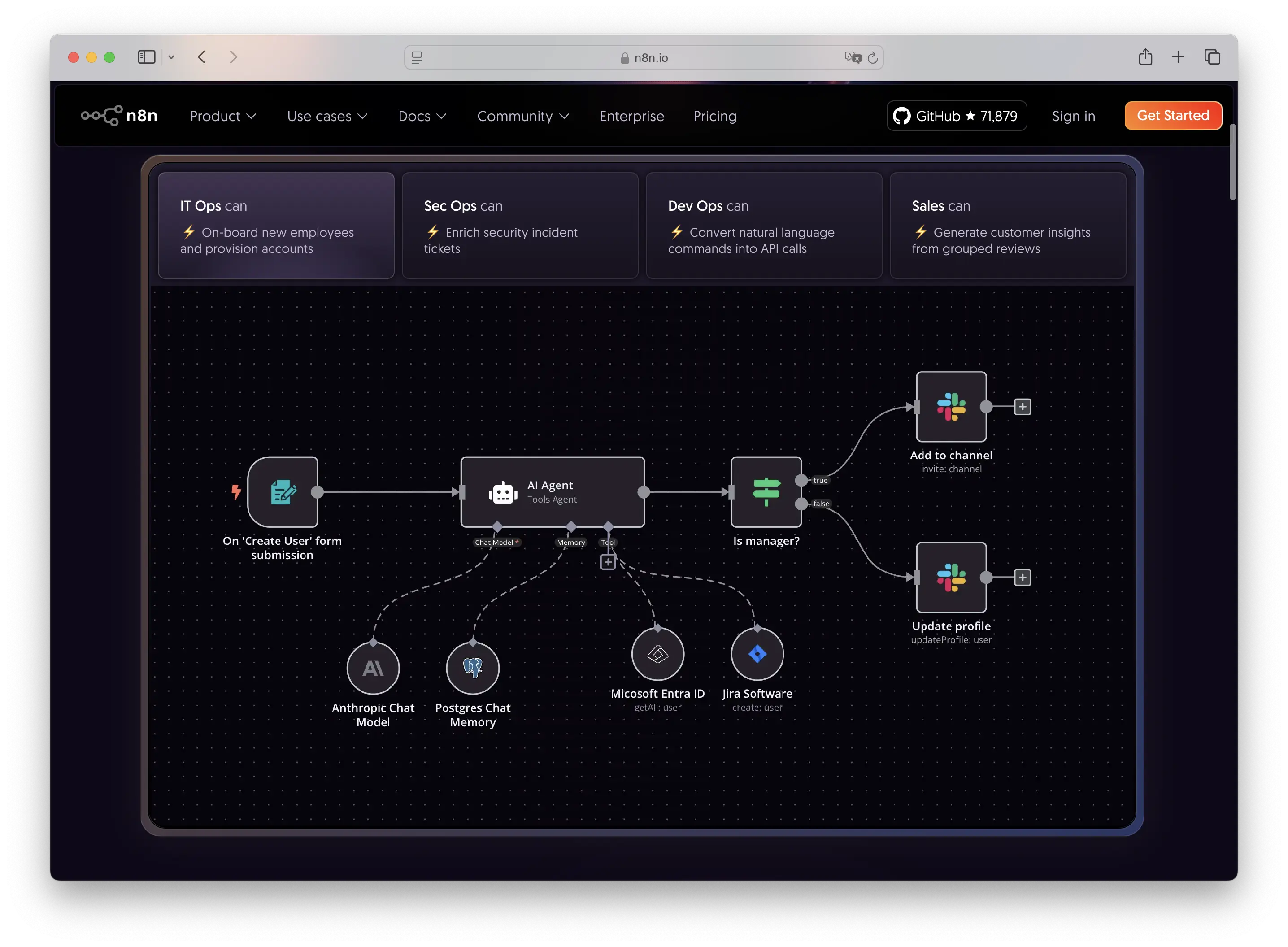
Forget Zapier for founder workflows. n8n is an automation tool with native AI features, custom code, webhooks, queues, API calls, and a huge integration ecosystem.
I use it for internal ops, lead enrichment, content workflows, notification routing, and small AI agents that do boring work before a human has to look at it.
Why I still love it in 2026:
- The official n8n Cloud Starter plan is now €20/month billed annually for 2.5K executions, and Pro is €50/month billed annually for 10K executions.
- Self-hosting keeps the infrastructure bill predictable.
- You can run custom nodes, custom npm packages, JS/Python code steps, webhooks, and internal-only integrations.
- It is technical enough to be powerful, but visual enough that I do not need to build a whole admin UI for every workflow.
I self-host n8n on Sliplane. The smallest server starts at €9/month, which is plenty for lightweight workflows and experiments. If the workflows grow, I scale the server instead of buying another SaaS tier.
I also wrote about how to self-host n8n in less than 5 minutes and how I use n8n and AI agents to scale my startup.
2. Open WebUI - ChatGPT, but Under My Control
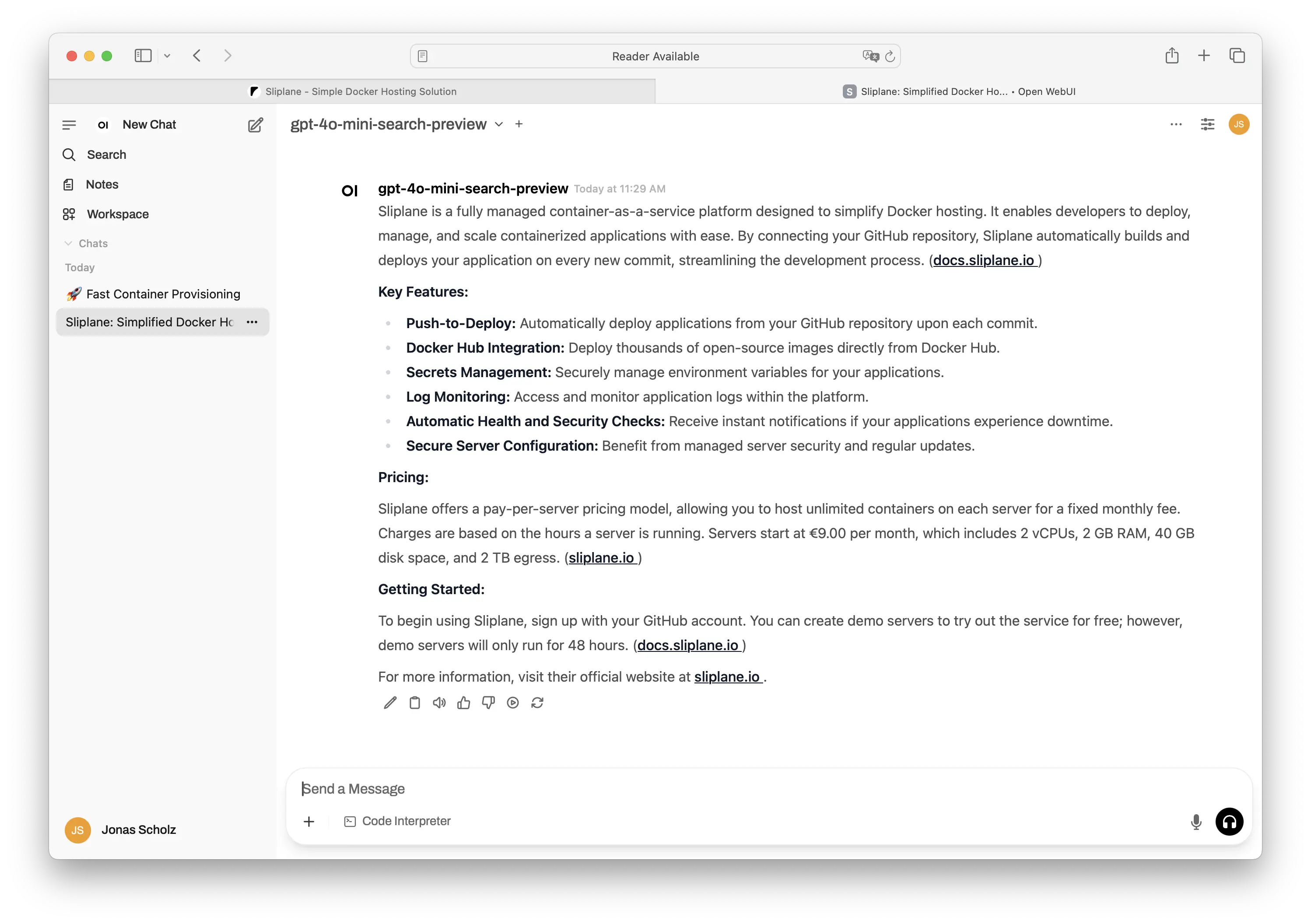
Open WebUI is a self-hosted AI interface that works with Ollama and OpenAI-compatible APIs. That means I can point it at local models, OpenAI, Anthropic-compatible gateways, OpenRouter, or whatever provider I am testing that week.
I use it for:
- Summarizing docs and meeting notes
- Brainstorming content and product copy
- Testing prompts before they land in production workflows
- Debugging CLI commands and small scripts
- Private team chat with models where I control the instance
The big 2026 improvement is that Open WebUI is no longer just "a nice chat UI." It has plugins, tool calling, RAG, user permissions, and provider-agnostic model setup. That makes it useful as a small internal AI portal, not just a toy.
It is not free in the magical sense. You still pay for your server and API usage. But you avoid per-seat chat pricing, and you decide where the data goes.
3. Cursor - The AI Editor That Earns Its Bill
Cursor is still my default AI coding editor for product work. It is based on VS Code, but the agentic workflow is the thing that makes it sticky.
In 2026, Cursor's individual Pro plan is $20/month, with higher team and enterprise plans if you need shared billing, analytics, SSO, or team-wide privacy controls.
What it does well:
- Reads enough of the codebase to make decent changes without endless copy-paste
- Handles boring refactors and CRUD scaffolding quickly
- Lets me ask questions against the repo before changing code
- Works well when the task has a clear acceptance target
It is not where I do all thinking. For complex architecture work I still slow down, read the code, and often use a normal editor. But for the everyday startup grind, Cursor saves real hours.
Cursor also has a student program, so check their current student page if that applies to you.
4. RunPod - GPUs When I Actually Need GPUs
I use RunPod when I need GPU runtime without buying hardware or keeping an expensive instance alive all month.
For our use case, that usually means testing or running smaller self-hosted models for backend workflows like classification, abuse detection, or data cleanup. RunPod still offers per-second billing, regular GPU Pods, and serverless GPUs. On June 10, 2026, serverless GPU pricing started around $0.58/hour for smaller 16 GB workers and scaled up for H100/A100/B200-class hardware.
Why it stays in my stack:
- Good for bursty inference workloads
- No long-term GPU commitment
- Useful when privacy or model control matters
- Works well with OpenAI-compatible runtimes
The trick is discipline. If an API model is good enough, I use the API. If I need control, batching, or a specific open model, RunPod is the escape hatch.
5. OpenRouter - One API for the Model Mess
OpenRouter gives me one API for hundreds of models and providers. I use it when I want to compare models, add fallback, or avoid hard-coding one vendor into a workflow.
In 2026, that matters more than ever. The best model for coding is not always the best model for cheap classification, long-context summarization, or fast customer-facing replies.
Why I use it:
- One OpenAI-compatible API for many models
- Pricing metadata per model through their Models API
- Model fallback and provider routing
- Easy A/B tests without rewriting integrations
- Auto Router when I want OpenRouter to pick a model based on the prompt
OpenRouter is not a replacement for thinking about cost and latency. It just makes switching cheaper, which is a huge advantage when the model landscape changes every few weeks.
Wrap-Up
I do not use AI because it is trendy. I use it because it buys time.
My 2026 stack is simple: n8n for automation, Open WebUI for private chat, Cursor for coding, RunPod when GPUs make sense, and OpenRouter when I want model flexibility.
If you are building a startup, skip the AI theater. Pick tools that remove work from your day.
Cheers,
Jonas, Co-Founder of Sliplane